Author: Rebecca

  • List block

    List block

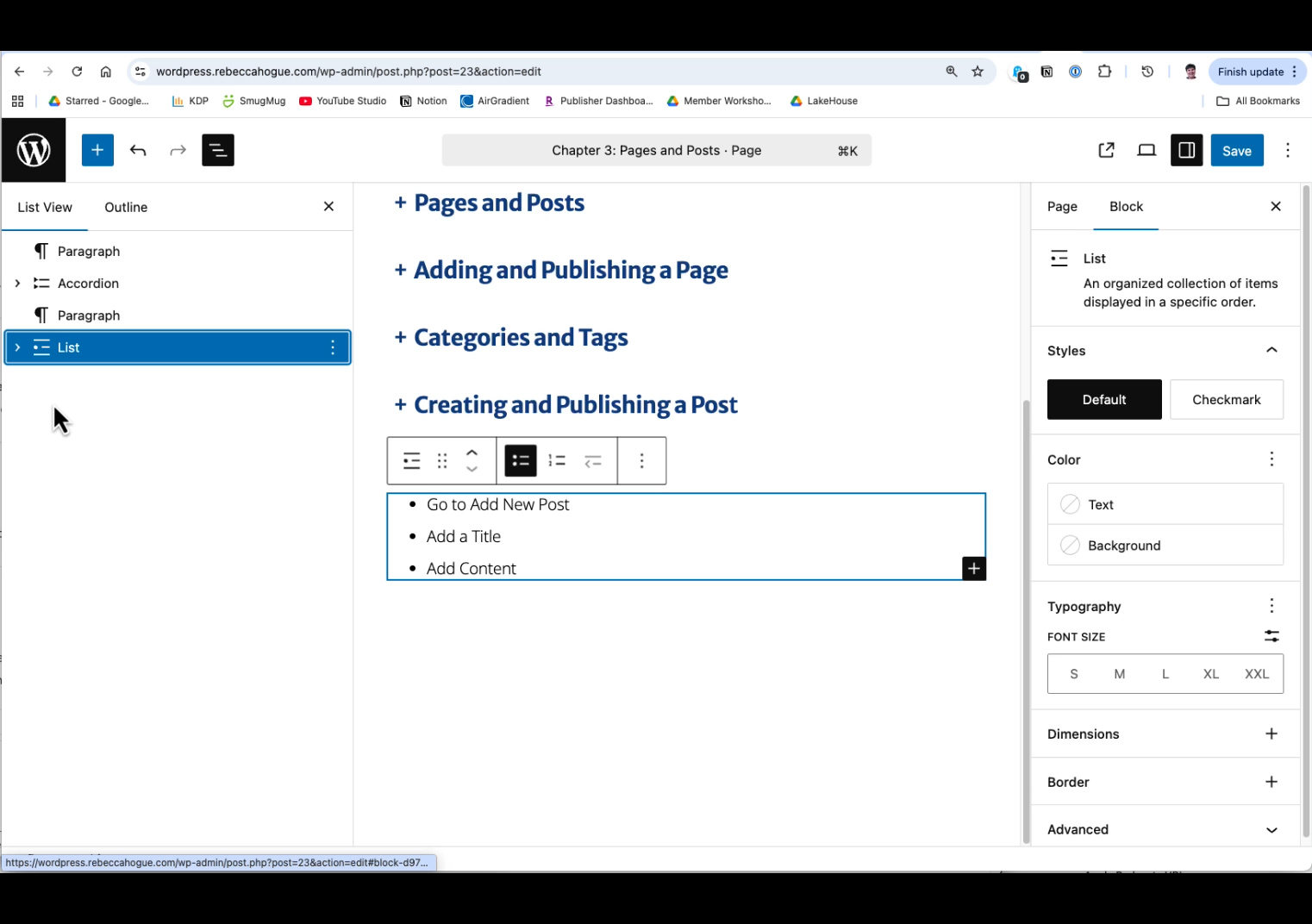
    There are two types of lists:

    • Bulleted lists are also known an unordered lists. Use bulleted lists when the order of items does not matter.
    • Numbered lists are also known as ordered lists. Use numbered lists when the order of list items is significant.

    When using the list block to create lists, you can use the tab to create a sub-list.

    Keyboard shortcuts:

    • Enter to add a new list item.
    • Backspace to remove a list item.
    • Tab to create a nested list (to indent one level).
    • Shift-tab to remove a nesting level.
  • Creating a pattern

    Creating a pattern

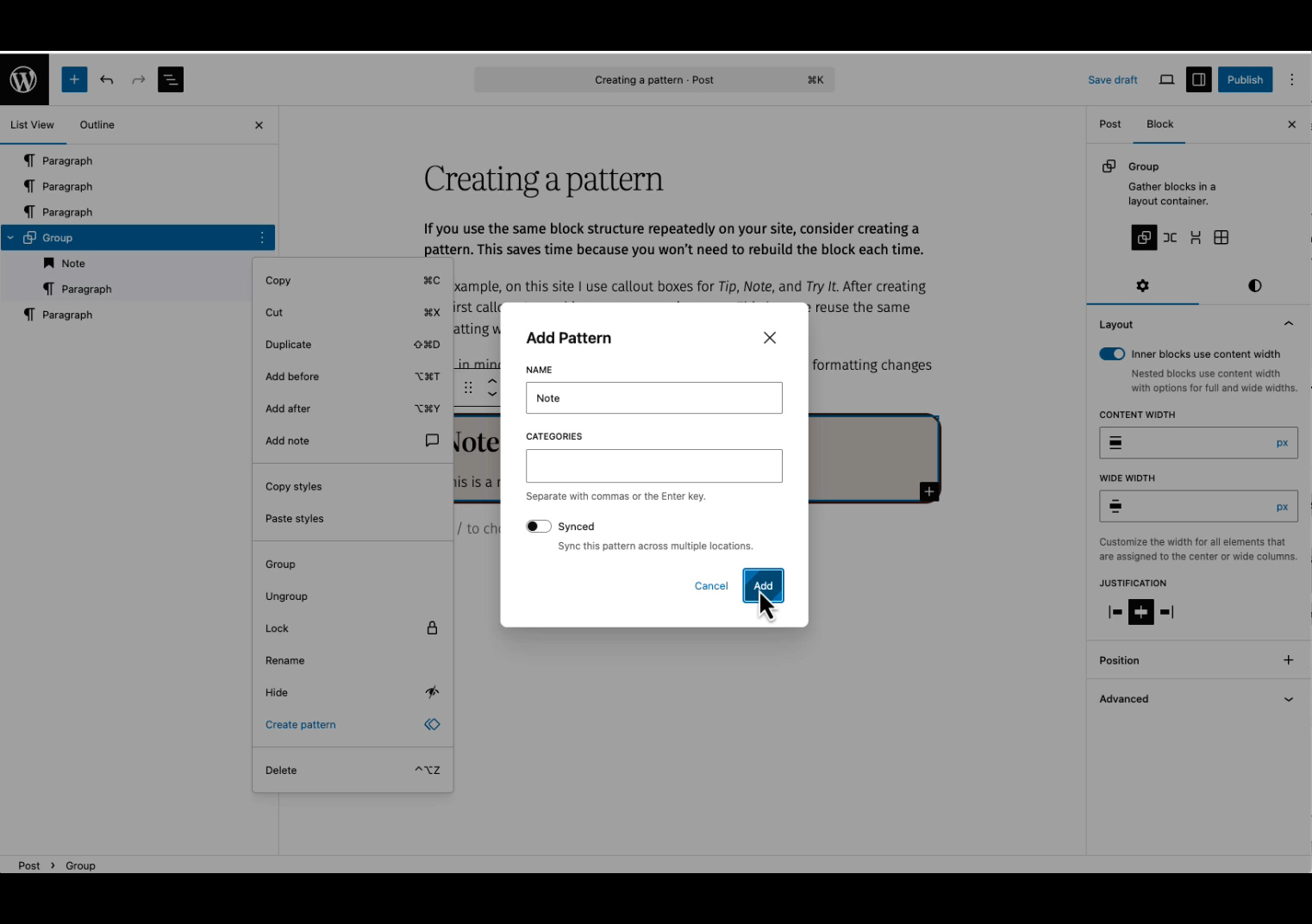
    If you use the same block structure repeatedly on your site, consider creating a pattern. This saves time because you won’t need to rebuild the block each time.

    For example, on this site I use callout boxes for Tip, Note, and Try It. After creating the first callout, I saved it as an unsynced pattern. This lets me reuse the same formatting while customizing the text for each instance.

    Keep in mind that because the pattern is unsynced, any future formatting changes must be applied manually to each instance.